Browser-source overlays

Put every reaction
on the LIVE canvas.

Choose an H2STREAM overlay, copy its private public URL, then add it as a Link source in TikTok LIVE Studio or as a Browser Source in OBS.
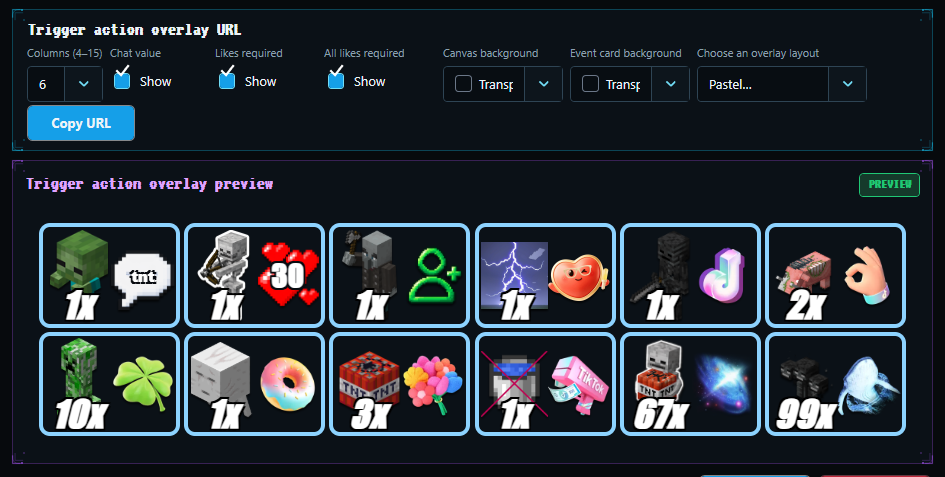
H2STREAMOverlay Studio
H2STREAM Overlay Studio
13overlay routes

Thirteen focused browser sources.

Use only the route you need. Each renderer receives the same real-time H2STREAM session state.

01

Trigger Actions

/trigger-actions
02

Likes Goal

/likes
03

Follow Goal

/follow
04

Top Gift

/top-gift
05

Top Streak

/top-streak
06

Countdown

/countdown
07

Win Count

/win-count
08

Smart Bar

/smart-bar
09

Gacha

/gacha
10

Top Donators

/top-donators
11

Top Likes

/top-likes
12

Chat Command

/chat-command
13

Event Alerts

/alerts
H2STREAMOverlay Studio
H2STREAM overlay preview and customization workspace

Style the overlay
inside H2STREAM.

Keep the real renderer visible while you adjust its layout, colors, labels and audio. The same saved result appears in your broadcast source.

  • Stable private URL for each overlay
  • Live preview using the production renderer
  • Layout, palette, text and audio controls where supported

Compact visuals. Readable on LIVE.

Countdown, follower progress and win tracking are shown exactly as they appear in the current H2STREAM preview.
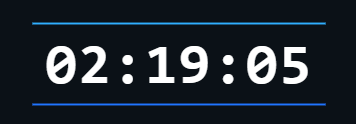

H2STREAM Countdown overlay
Countdown

Automatic LIVE timer

H2STREAM Followers overlay
Followers

Visible progress goal

H2STREAM Win Count overlay
Win Count

Persistent score control

Add your overlay to TikTok LIVE Studio.

Follow the visual two-step guide to add the H2STREAM URL as a Link source.